Show your QR
Any phone camera can open your card. No sign-up needed.
 PassB
YOUR DIGITAL BUSINESS CARD
Your name. Your look. One easy scan.
Give people a simple way to stay in touch.
Scan with your phone to get PassB
The other person needs no app.
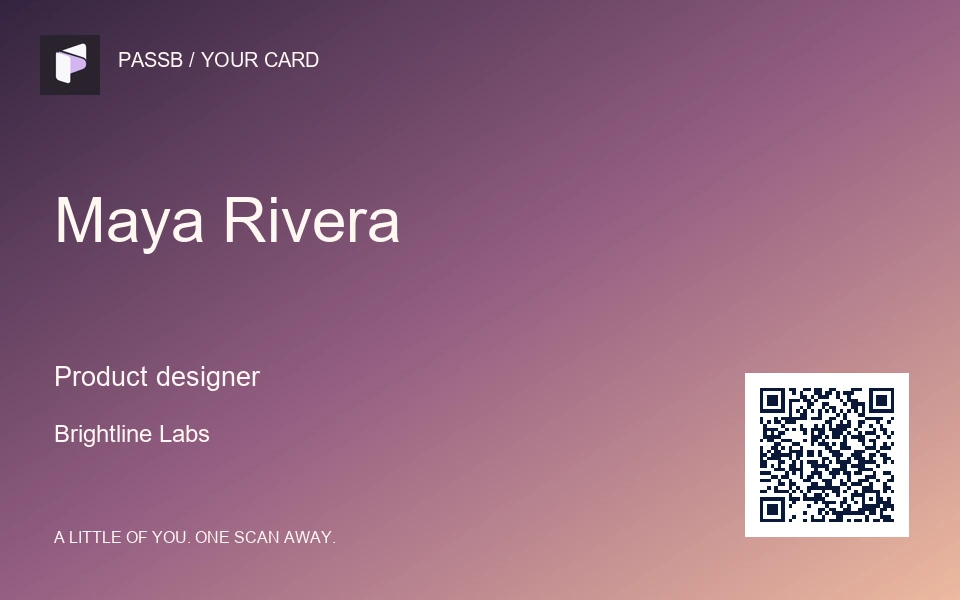
Drag to turn · or use the arrow keys
NEW IN PASSB · NOVEMBER 2026
PassB now looks the same on Android, iPhone and iPad. New this week: a cleaner design, Event mode for conferences, your QR on your LinkedIn banner and video calls, and a reminder the morning after you meet someone. You get a Work card and a Personal card, each with its own look.
No typing: make your card by picking yourself from your phone’s contacts. People who scan you can send their details back the same way. They need no app.
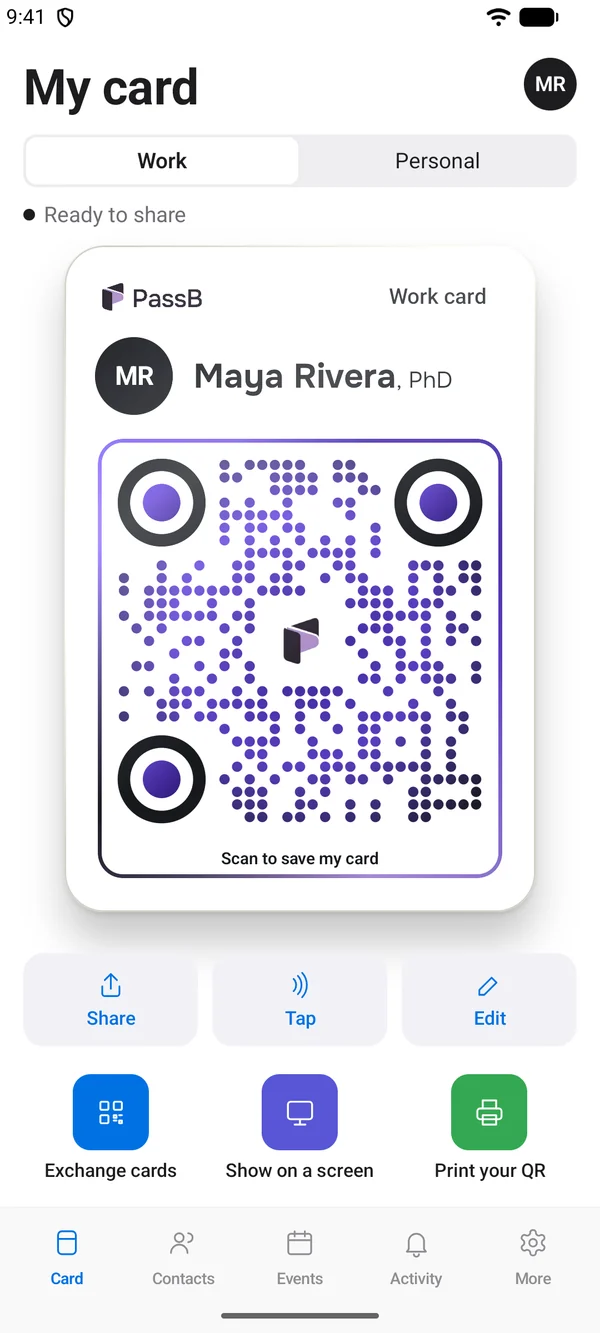
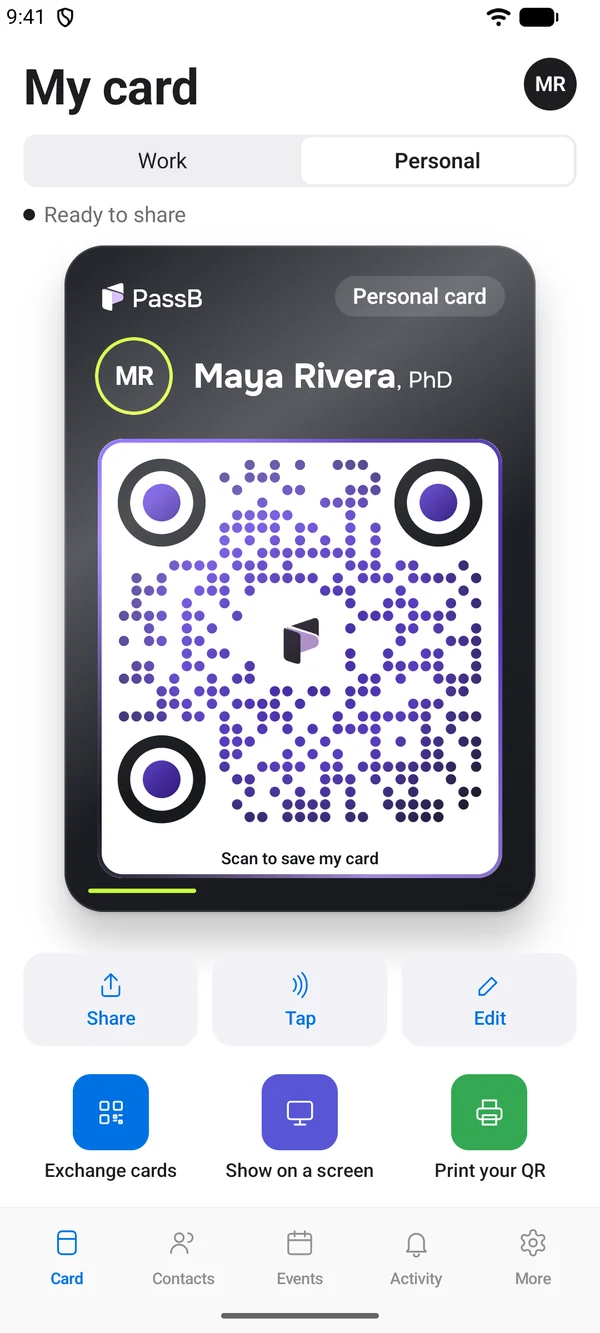
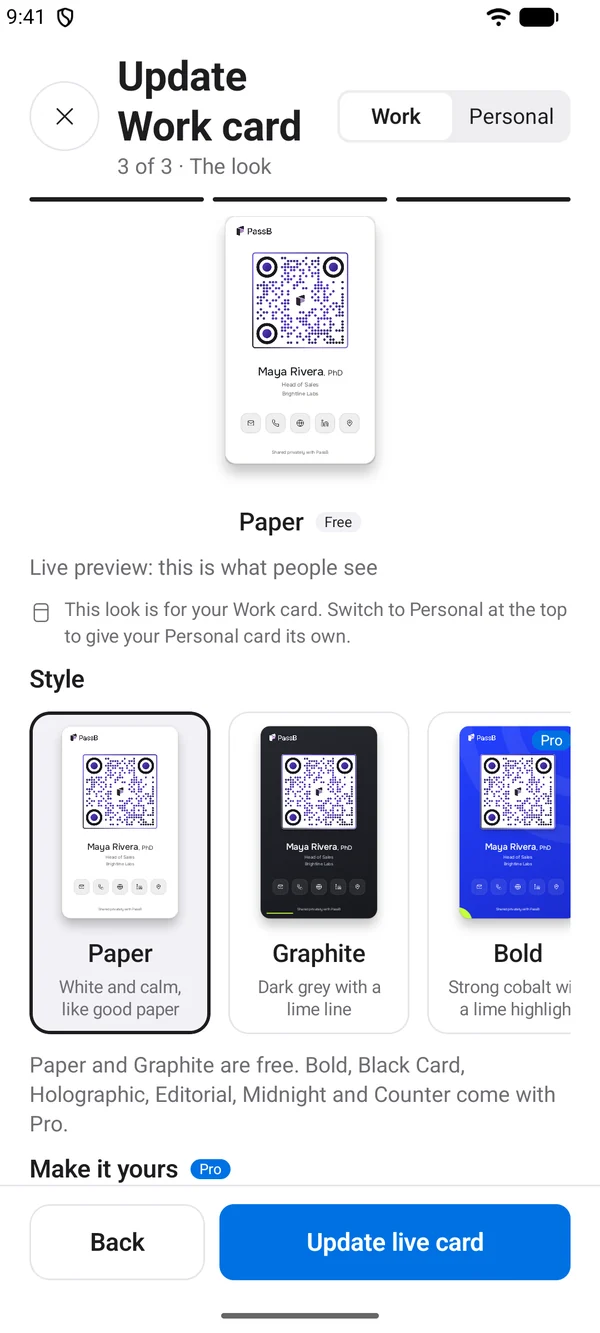
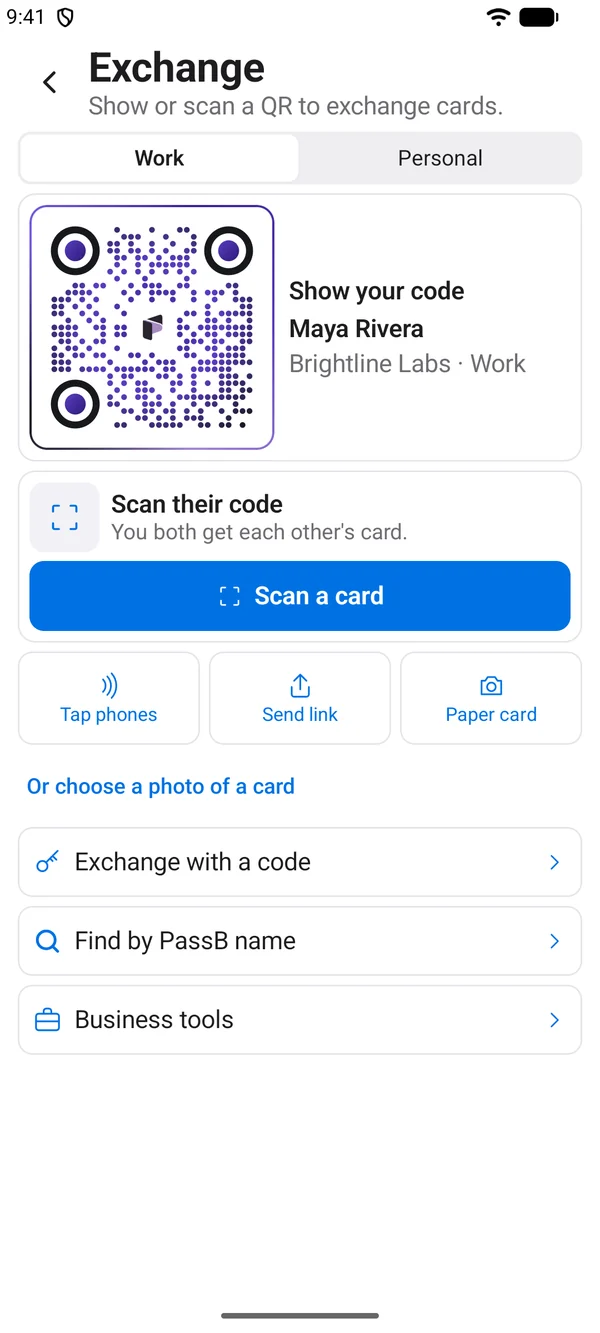
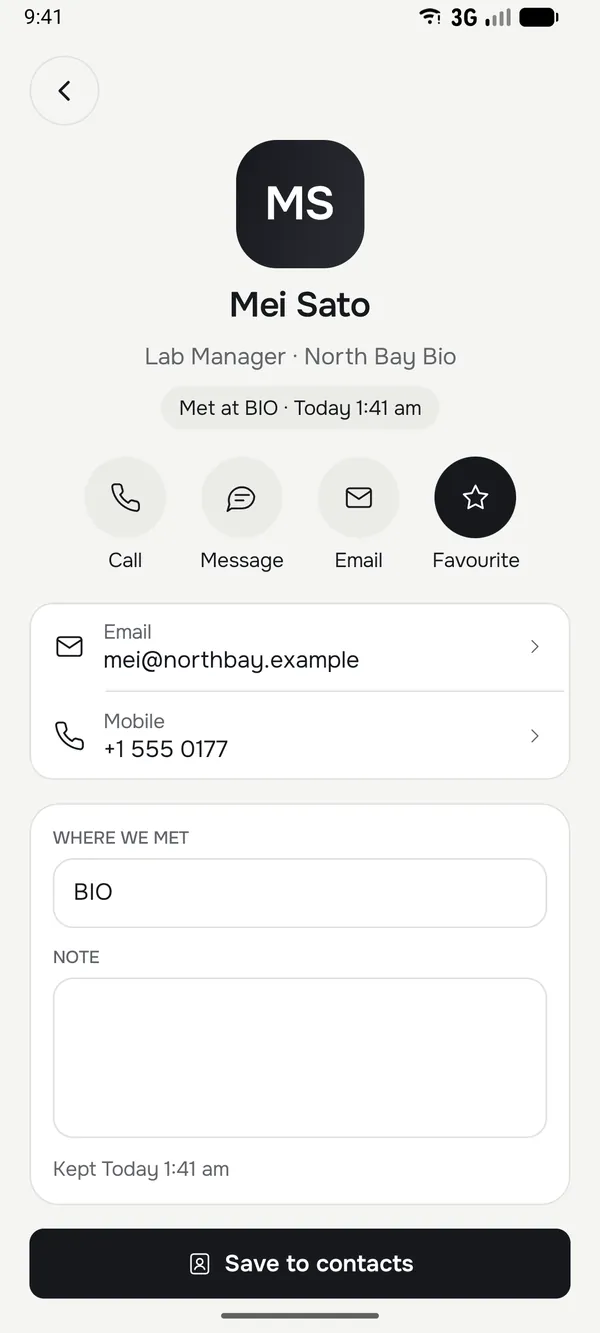
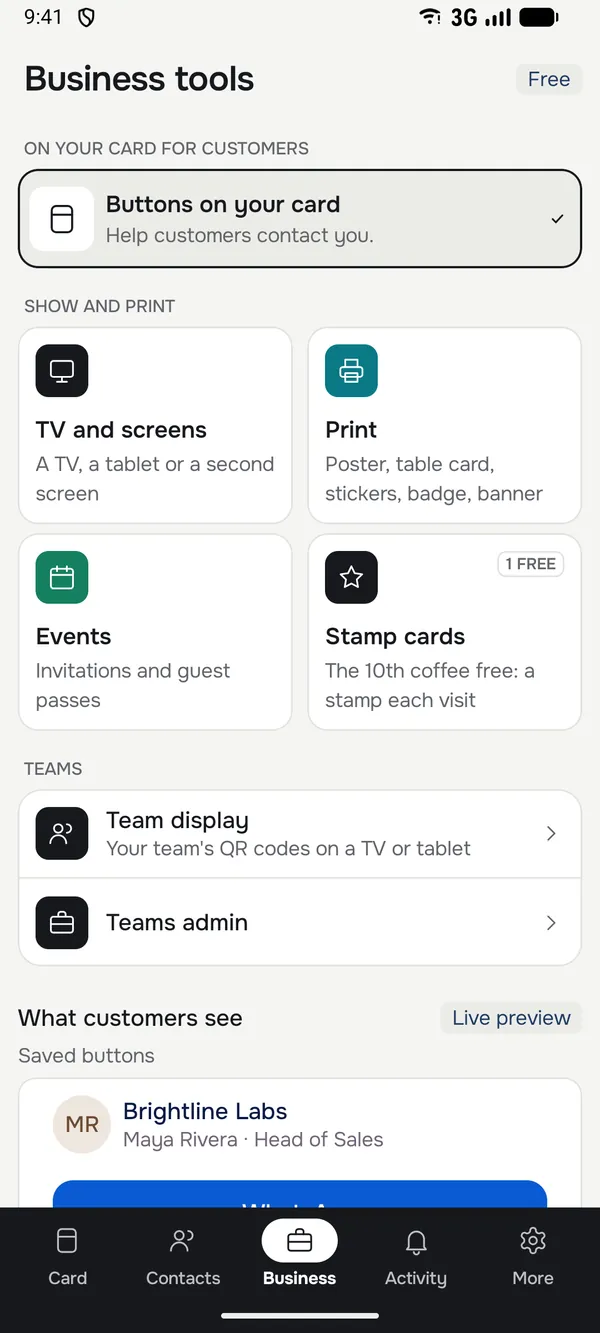
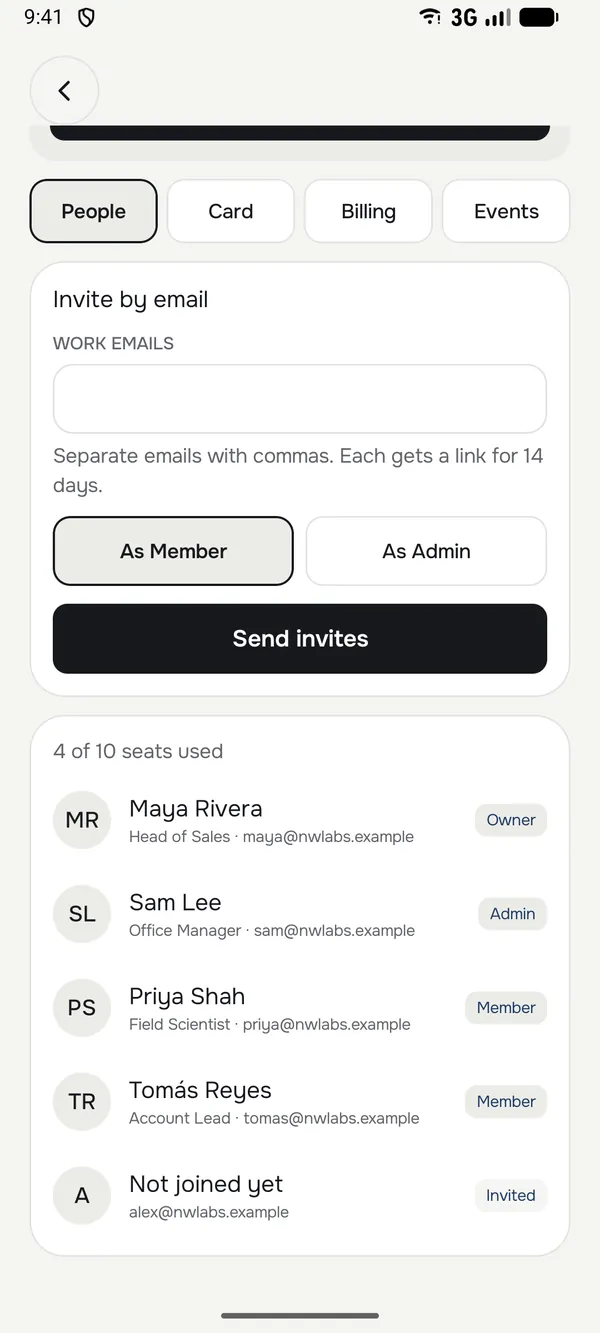
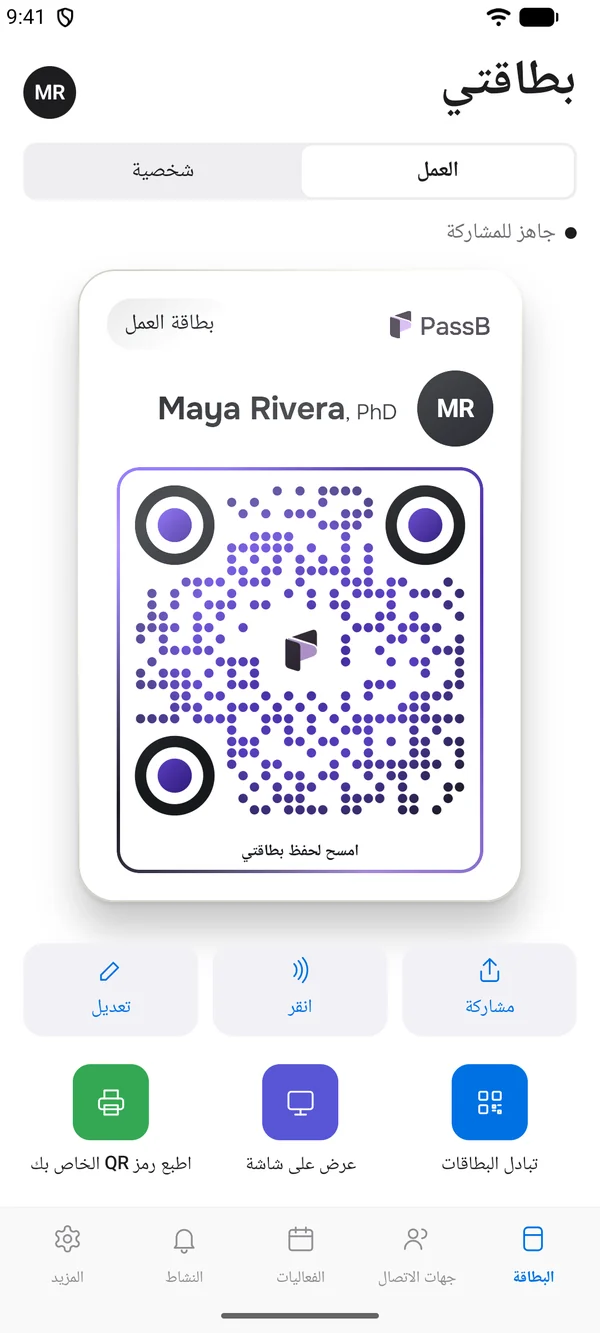
Real app screens · made-up people
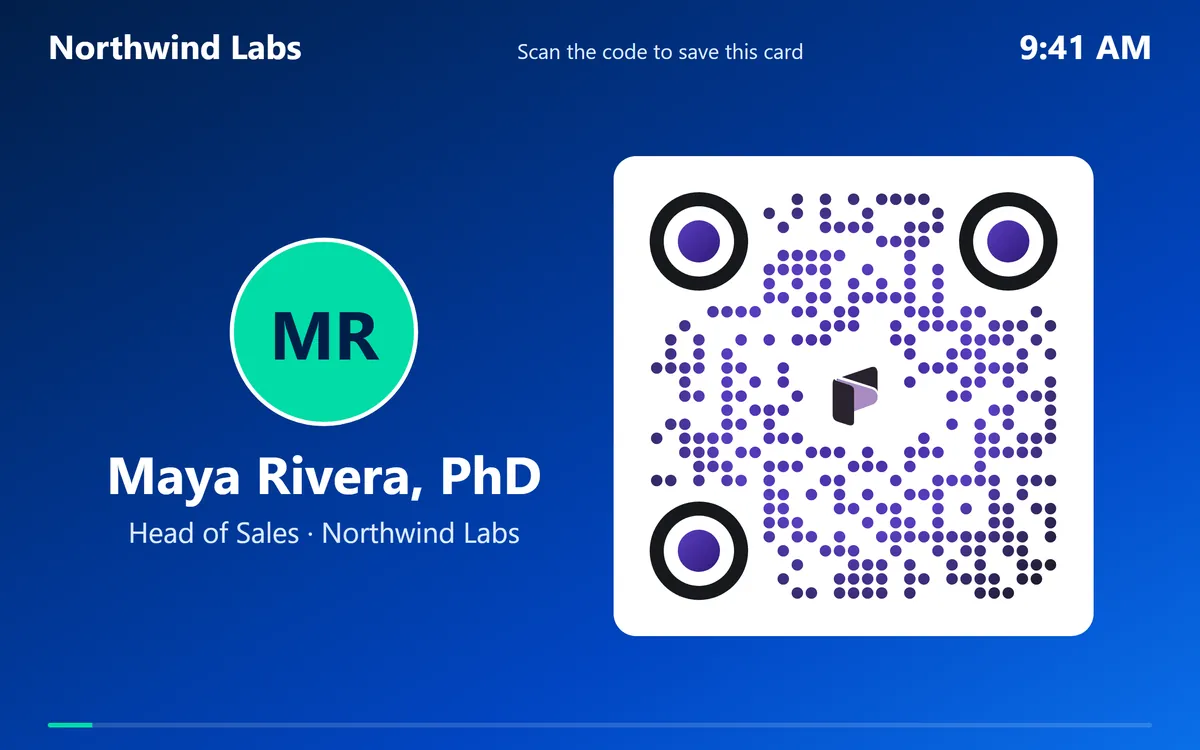
01 / MEET. SCAN. KEEP IN TOUCH.
When two PassB people meet, tap Exchange cards and scan. You each get the other’s card.
No PassB? They open your card in a browser and save you. They can send their details back by picking their own contact card. No typing.
Your cardMaya RiveraBrightline Labs ✓ Card savedTheir cardBrightline CoffeeYour new contact✓ Card saved
Start with your card.
Example exchange. Exchanges and paper-card scans are free and unlimited.
03 / MORE THAN A NAME IN A LIST
Everyone you met, in one place. Exchanged cards stay up to date by themselves.
People you keep stay on your phone. PassB never sends them anywhere.
Take a photo. PassB reads the name, job, company, phone and email on your phone. Check the details before you save.
Save names in English letters. Pro also translates job titles.
04 / MAKE IT FEEL LIKE YOU
Choose a look. Try your name.
See your next card take shape.
Paper and Graphite are free in the app. Your Work and Personal cards can each have their own look.
This is a try-out. Your typing stays on this page. The sample QR contains demo text only.
Bold · Short · Pro
Match your card, or choose another colour. Light or dark is up to you.
Colour example, not an app screen.05 / FOR YOUR BUSINESS
A café, a salon, a clinic or a stand.
Put the next step right on your card.
Fill a field. Its button appears. Clear it to hide the button.
Example only. Nothing is sent, booked or paid for.
Maya Rivera
Mon–Sat · 9 am–7 pm
Try a button to see its detail.
Open passb.app/tv on your smart TV. Enter the code in PassB. Your QR, hours and Pro weekly offer update there.
1 TV free · Pro: up to 10 TVs · illustration
PosterPoster, table card, stickers, badge or banner. The QR works until you stop its link. Pro adds your logo.
Stamp cards: the 10th coffee free. Customers collect a stamp each visit.
Format examples, not print-ready files.
06 / RIGHT ON YOUR HOME SCREEN
No need to open the app. Add the PassB widget to your home screen.
Long-press your home screen, choose Widgets, then PassB.
Free · Size illustration. The layout may vary by phone.
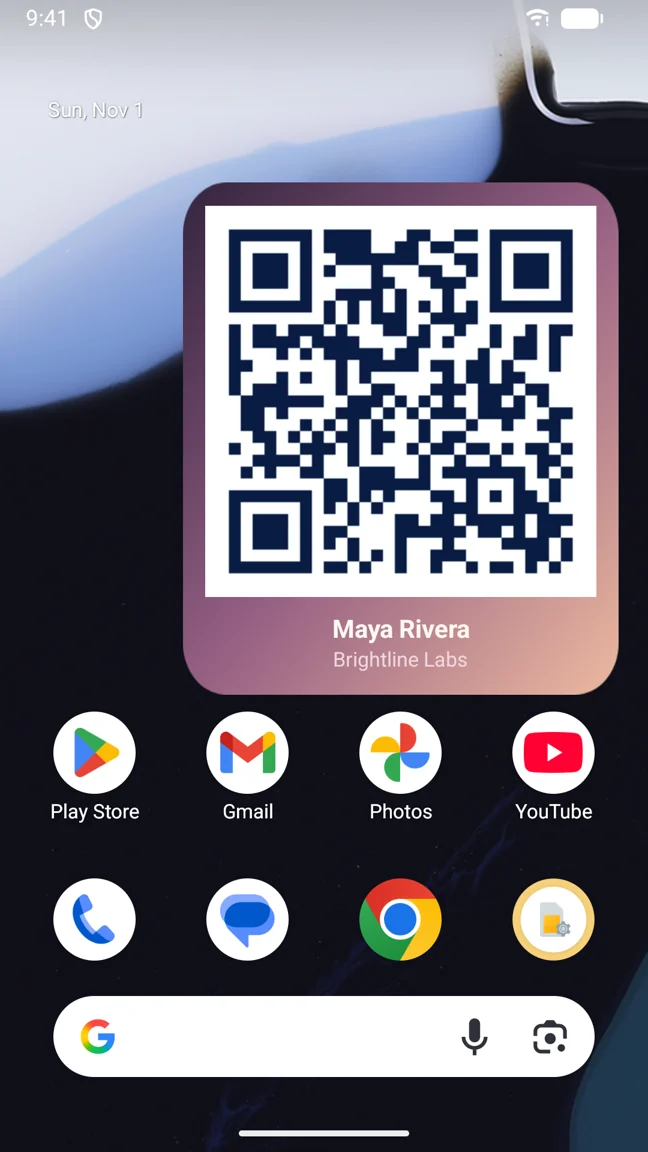
Medium · a QR and your name
07 / A LITTLE MORE WITH PRO
Your card is free. Pro gives your personal card more room to do more.
$0
No payment details needed.
$2.99 / month
or $19.99 a year
Prices in USD. Sales tax may apply. Wallet passes are free too.
08 / PASSB TEAMS
Give everyone a Company card. Keep your logo, colours and work details together.
Personal stays personal. Your company sees only work cards and work contacts.
$3 a person / month
Paid yearly · From 5 people
See Teams featuresCOMPANY CARDMaya RiveraProduct designer · Brightline LabsExample company card
BRIGHTLINE LABS INVITES YOU
A little time together.
YOUR REPLYExample invitation · no reply is sent
A QR pass for the door.Example only09 / EVENTS & INVITATIONS
Send a personal invitation. See who is coming. Scan each guest’s QR pass at the door.
Choose Holographic, Bold or Signature invitations. Guests can answer Going, Maybe or Can’t attend. They need no app.
Pro: 2 events a year, up to 20 guests each.
Teams: 2 events a year, up to 50 guests each.
FEEL AT HOME
All 25 languages. Tap one to see the real app.
Cards keep the words people write. Changing the app language does not translate a person’s card.
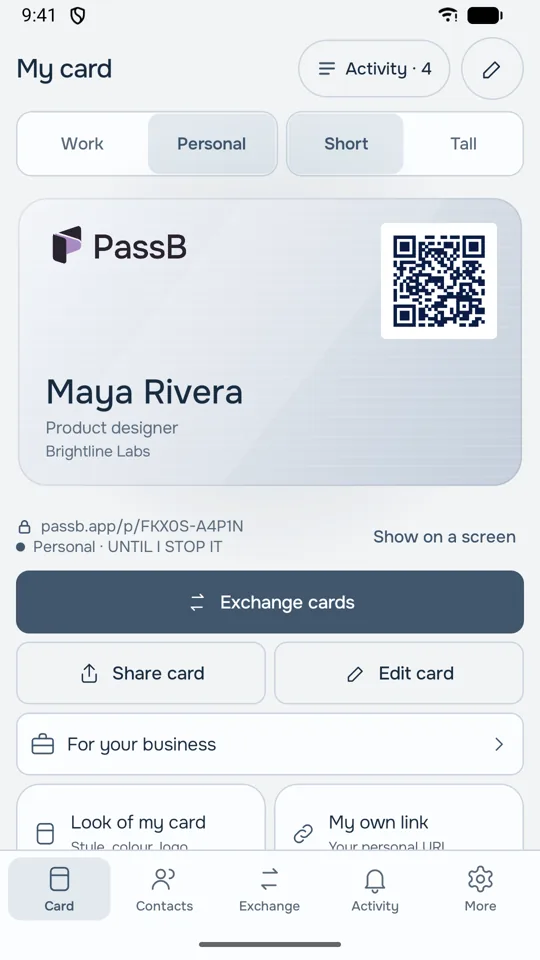
This app capture is still being added.
SEE IT IN ACTION
Short, silent clips from PassB. Press play to watch. Each clip loops until you pause it.
A WALK THROUGH PASSB
Choose Play to load the tutorial.
Setting up cards for your company? Watch the Teams guide.
No. Pick yourself from your phone’s contacts and your card fills in. People who scan you can send their details back the same way.
No. They open your card in a browser and can save your details. If you both have PassB, one tap of Exchange cards swaps both cards.
Your live card and exchanged cards update. A copy someone already saved in their phone contacts remains their own copy.
Yes. Open Activity and stop the link. It no longer shows your card. It does not erase copies someone already saved.
Your company sees your work card and work contacts. Your personal card and personal contacts stay private.
No. PassB has no ads and never sells your data.
With Google or with your email.
YOUR NEXT CONNECTION STARTS HERE
Your card is free. Your next introduction is yours.
Get it on Google Play Get it on the App StoreiPhone, iPad, Apple Watch and Android · Free to start
Scan with your phone to get PassB